Key Takeaways
- Small businesses can compete with larger companies by targeting local and long-tail keywords that big brands overlook.
- Google Business Profile optimization alone can transform a small business's online visibility, it is free and takes under an hour.
- Start with free tools: Google Search Console, Google Analytics 4, and Google Business Profile before investing in paid SEO platforms.
- Publishing 2-4 optimized blog posts per month builds topical authority faster than sporadic content bursts.
Why SEO for Small Business
SEO is the most cost-effective marketing channel for small businesses because organic traffic is free once you earn it. Unlike paid ads where traffic stops the moment you stop spending, a well-optimized page can drive hundreds of visitors every month for years. For local businesses, SEO is especially powerful, 46% of Google searches have local intent, and 78% of local mobile searches result in an offline purchase. For background context, see the reference at Google Search Central documentation.
Small businesses can compete with larger companies by targeting long-tail and local keywords that big brands ignore. While a major retailer dominates "running shoes," a local shop can rank for "best running shoe store in [city]" or "trail running shoes for beginners near me." These specific queries have less competition and higher conversion rates.
Pro Tip: When working on why seo for small business, start with the highest-impact items first and track your progress over time to measure improvements.
Getting Started
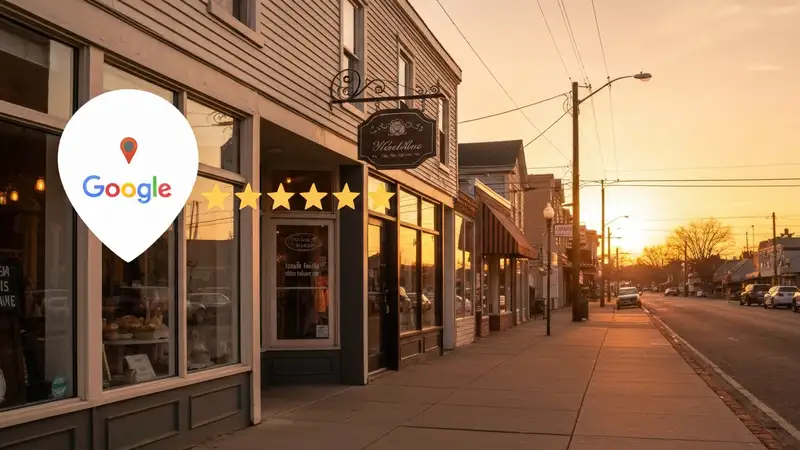
Start with three free setup steps that take under an hour total. First, claim and complete your Google Business Profile, add your address, phone, hours, photos, and business category. Second, set up Google Search Console by adding your website and submitting your sitemap. Third, install Google Analytics 4 to track visitor behavior and conversions.
Run a free site audit using Rank Crown or Screaming Frog (free up to 500 URLs) to identify technical issues. Focus on fixing the basics first: broken pages, missing title tags, slow loading speed, and missing HTTPS. These foundational fixes often produce the fastest ranking improvements for small business sites.

Local SEO Basics
For businesses with a physical location, local SEO is your highest-priority channel. Optimize your Google Business Profile with complete information, respond to every review, and post weekly updates with photos. Build citations on Yelp, Yellow Pages, BBB, and industry-specific directories with consistent NAP (Name, Address, Phone) information across all listings.
Create location-specific pages on your website for each area you serve. A plumber serving three cities should have separate optimized pages for "plumber in [City A]," "plumber in [City B]," and "plumber in [City C]", each with unique content about services in that specific area. Add LocalBusiness schema markup to your contact page.
Pro Tip: When working on local seo basics, start with the highest-impact items first and track your progress over time to measure improvements.
Content on a Budget
You do not need a content team to build SEO traffic. Start by answering the 10 most common questions your customers ask, each answer becomes a blog post targeting a long-tail keyword. Use Google's "People Also Ask" and autocomplete suggestions to find more questions. Write 1-2 posts per week, each 1,000-1,500 words, focusing on being the most helpful result for that query.
Repurpose content across channels: turn blog posts into social media posts, email newsletters, and Google Business Profile updates. Use AI writing tools like Claude or ChatGPT to help draft initial outlines and first drafts, then add your expertise and unique perspective to make the content authentically valuable.
DIY Link Building
Small businesses can build links without a PR budget. Start with these free tactics: get listed on local business directories and chamber of commerce websites, sponsor local events or nonprofits for a link on their site, join your industry's professional association for a member listing link, and ask suppliers or partners to link to you from their "clients" or "partners" page.
Create a "resource" or "ultimate guide" post in your niche that other websites want to reference. A dentist could write "Complete Guide to Children's Dental Health" that parenting blogs link to. A plumber could create "Homeowner's Guide to Preventing Frozen Pipes" that local news sites reference during winter.
Pro Tip: When working on diy link building, start with the highest-impact items first and track your progress over time to measure improvements.
Free Tools
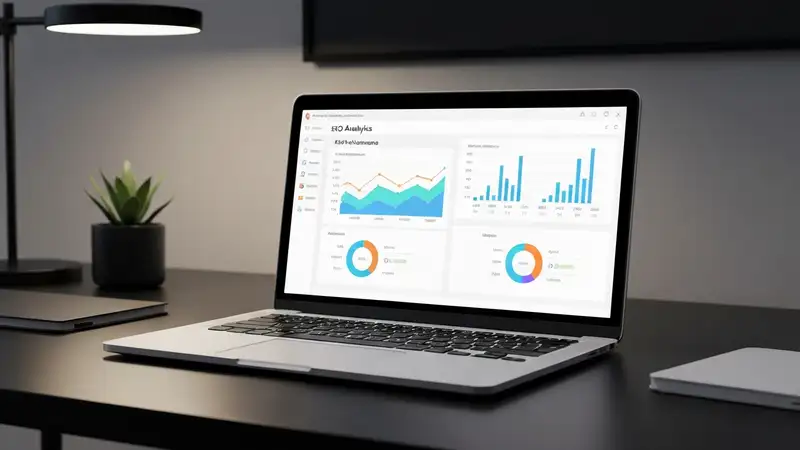
These free tools cover 90% of what small businesses need for SEO: Google Search Console (track rankings, impressions, clicks, and technical issues), Google Analytics 4 (track traffic, conversions, and user behavior), Google Business Profile (local search visibility and reviews), Google Keyword Planner (keyword research with volume data), and PageSpeed Insights (page speed testing).
When you are ready to invest in paid tools, start with an affordable option like Rank Crown or Ubersuggest ($29/month) for keyword tracking and competitor analysis. As your SEO efforts grow, consider upgrading to Ahrefs or Semrush for deeper backlink analysis and content gap research.
Frequently Asked Questions
What is the main focus of SEO for Small Business?
This guide covers affordable SEO strategies specifically for small businesses: free setup steps (GSC, GA4, GBP), local SEO optimization, content creation on a budget, DIY link building tactics, and essential free tools. The focus is on high-impact, low-cost actions that small business owners can implement without hiring an SEO agency.
How long does it take to see results?
Small businesses can see quick wins within 2-4 weeks by optimizing their Google Business Profile, fixing broken pages, and improving title tags on existing pages. New blog content targeting long-tail keywords typically starts ranking in 2-4 months. Building consistent organic traffic takes 6-12 months of steady effort.
Do I need expensive tools?
Absolutely not. Google Search Console, Google Analytics 4, Google Business Profile, Google Keyword Planner, and PageSpeed Insights are all free and cover everything a small business needs to start. Affordable paid options like Rank Crown or Ubersuggest ($29/month) add keyword tracking and competitor analysis when you are ready to scale.
Is this guide suitable for beginners?
Yes. This guide is specifically written for small business owners with no prior SEO experience. Each section includes step-by-step instructions, free tool recommendations, and budget-friendly tactics. You do not need to hire an SEO agency to implement these strategies, they are designed for DIY implementation.
Related Resources
SEO Tool Comparison at a Glance
Choosing the right toolkit depends on your budget and the part of SEO you optimize most often. The table below summarizes how Rank Crown compares to the main alternatives covered across our resources.
| Tool | Starting Price | Free Plan | Best For |
|---|---|---|---|
| Rank Crown | $39/mo | Yes | Focused rank tracking + audits without bloat |
| Ahrefs | $129/mo | Limited | Backlink intelligence and large databases |
| Semrush | $139.95/mo | Limited | All-in-one for agencies combining SEO and PPC |
| Moz Pro | $99/mo | Limited | Beginner-friendly metrics like Domain Authority |
| SE Ranking | $65/mo | No | Budget-friendly tracking with white-label reports |
| Mangools | $29.90/mo | No | Lean keyword research workflow |
Prices verified 2026-05-20 from each vendor's public pricing page. Annual billing typically discounts these figures further.
Ready to Improve Your SEO?
Try Rank Crown's SEO tools to analyze, track, and optimize your website's search performance.
Start Free Trial