Key Takeaways
- Understanding duplicate content is essential for any modern SEO strategy in 2026.
- Focus on user intent and quality content rather than outdated optimization tricks.
- Use data-driven insights from tools like Rank Crown to identify opportunities and track progress.
- Consistent effort over 3-6 months yields the best long-term results for search visibility.
What Is Duplicate Content?
Duplicate content refers to substantial blocks of content appearing on multiple URLs. Google estimates that 25-30% of all web content is duplicate. While Google does not impose a "duplicate content penalty," it chooses only one version to index, diluting ranking signals across the duplicates. For background context, see the reference at Search Engine Optimization (Wikipedia).
The real problem is signal dilution: when backlinks and engagement metrics are split across multiple URLs, no single URL accumulates enough authority to rank competitively. Consolidating duplicates concentrates these signals on one URL, often resulting in immediate ranking improvements.
Common causes include: www vs non-www, HTTP vs HTTPS, trailing slash variations, URL parameters, printer-friendly versions, and content syndication. Identifying and resolving these issues is one of the highest-ROI technical SEO activities.
Pro Tip: When working on what is duplicate content?, start with the highest-impact items first and track your progress over time to measure improvements.

Finding Duplicate Content
Use Screaming Frog or Sitebulb to crawl your site and identify pages with identical or near-identical content. Look for pages with matching title tags, meta descriptions, or H1 headings as these often indicate duplicate content issues. The tool's duplicate content report highlights pages with similar content based on content similarity thresholds.
Check Google Search Console's Coverage report for pages flagged as "Duplicate, submitted URL not selected as canonical" and "Duplicate without user-selected canonical." These reports show where Google has already detected duplicates and chosen its own canonical version, which may not be the version you prefer.
For external duplication (your content copied by other sites), use Copyscape or search for unique phrases from your content in quotes on Google. If other sites are ranking above you for your own content, you may need to file DMCA takedown requests or implement canonical tags pointing back to your original URL.
Internal Duplication
Internal duplication is the most common and most fixable form of duplicate content. E-commerce sites are especially vulnerable: a product accessible through multiple category paths creates duplicate URLs. Session IDs, tracking parameters, and pagination add more duplicates. A site with 1,000 products can easily generate 10,000+ duplicate URLs.
Resolve internal duplicates through a hierarchy of solutions: 301 redirects (for permanent consolidation), canonical tags (when both URLs need to remain accessible), parameter handling in GSC (for URL parameter variations), and noindex tags (for pages that serve users but should not appear in search). Choose the right solution based on whether users need access to both URL versions.
Audit your site for "boilerplate duplication" - large blocks of identical text appearing across many pages, such as legal disclaimers, shipping policies, or company descriptions copied onto every product page. While Google handles boilerplate reasonably well, excessive shared content across pages reduces the unique content ratio and can trigger thin content assessments.
Pro Tip: When working on internal duplication, start with the highest-impact items first and track your progress over time to measure improvements.
External Duplication
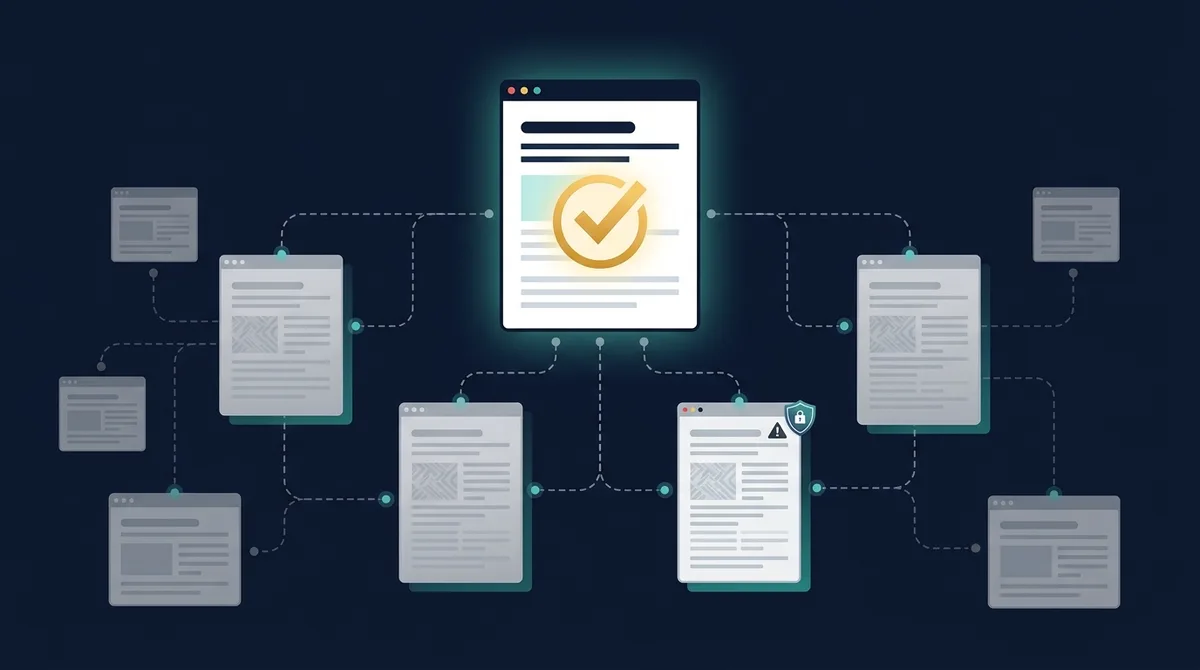
External duplication occurs when your content appears on other websites, either through authorized syndication or unauthorized scraping. For syndicated content (Medium, LinkedIn articles, partner sites), always ensure the republished version includes a canonical tag or direct link pointing to your original URL as the source.
Content scraping is common for high-performing articles. Scrapers copy your content and publish it on their own sites, sometimes outranking you if their domain has higher authority. To combat this: publish content on your site first (establishing indexation priority), use internal linking that scrapers often break, and file DMCA takedown requests through Google's removal tool for clear copyright violations.
Press releases and product descriptions are frequent sources of external duplication. If you distribute press releases through newswires, the identical text appears on hundreds of sites. Use the press release for distribution but publish a unique, more detailed version on your own site. For product descriptions, write original copy rather than using manufacturer-provided descriptions that hundreds of other retailers also use.
Canonical Tag Solutions
Canonical tags are the most versatile solution for duplicate content because they consolidate ranking signals without removing pages from user access. Add self-referencing canonical tags to every page on your site, and cross-reference canonical tags only where genuine duplicates exist. Always use absolute URLs with the correct protocol (https://).
When canonical tags are not sufficient, combine them with other signals: consistent internal linking to the preferred URL, XML sitemap including only canonical URLs, and hreflang tags pointing to the correct language/region versions. Multiple consistent signals are more effective than any single signal alone.
Monitor your canonical tag implementation using Google Search Console's URL Inspection tool. The "Google-selected canonical" field reveals whether Google agrees with your canonical choice. If Google selects a different canonical than you specified, investigate conflicting signals - this often indicates issues with internal linking, sitemaps, or content similarity levels. Track the impact of canonical fixes on rankings with Rank Crown.
Pro Tip: When working on canonical tag solutions, start with the highest-impact items first and track your progress over time to measure improvements.

Content Consolidation
Content consolidation means merging multiple underperforming pages about similar topics into one comprehensive, authoritative page. If you have 5 blog posts about "email marketing tips" that each get 20 visits/month, consolidating them into one definitive guide can generate 200+ visits/month by combining all their ranking signals and covering the topic more thoroughly.
The consolidation process: identify the strongest URL (most backlinks, highest traffic), merge the best content from all duplicate pages into that URL, expand the content to be more comprehensive than any individual page was, then 301 redirect all other URLs to the consolidated page. This passes link equity from the retired pages to the surviving one.
Track consolidation results in Rank Crown by monitoring the surviving URL's keyword positions before and after the merge. Successful consolidations typically show ranking improvements within 3-6 weeks as Google re-evaluates the strengthened page. The combined page often ranks for keywords that none of the individual pages ranked for because it now has sufficient depth and authority.
Duplicate Content Audit Workflow
A reliable duplicate content audit should separate template duplication, parameter duplication, and true editorial overlap. Start with a crawl export and group URLs by title tag, H1, meta description, canonical target, and body similarity. Then compare those clusters against organic performance data so you can fix the pages that actually affect indexation, traffic, and revenue first. This prevents teams from spending days rewriting harmless legal boilerplate while critical category or product pages remain split across competing URLs.
For each cluster, assign one preferred URL and one resolution type: keep, consolidate, redirect, canonicalize, noindex, or rewrite. The preferred URL should usually be the version with the strongest backlinks, cleanest internal links, highest conversions, and best search intent match. If the strongest URL is not the cleanest URL, fix the internal links and sitemap first so your technical signals match the business decision. Rank Crown users can track the before and after effect by tagging the preferred URL and monitoring keyword movement after Google recrawls the redirects or canonical changes.
Document every decision in a simple audit sheet: duplicate group, preferred URL, supporting URLs, chosen fix, owner, deployment date, and validation date. After implementation, rerun the crawl and check that the non-preferred URLs no longer appear in the XML sitemap, internal links point to the canonical URL, and Google Search Console no longer reports conflicting canonicals for the affected pages. This audit trail matters because duplicate content problems often return during CMS migrations, product feed imports, pagination changes, and campaign landing page launches.
Priority checklist
- Fix duplicate URLs that are indexed, internally linked, or receiving backlinks before low-traffic template duplicates.
- Use 301 redirects when the duplicate page has no unique user purpose and canonical tags when both versions must stay accessible.
- Keep only preferred canonical URLs in XML sitemaps and campaign links so Google receives a consistent signal.
- Validate with a follow-up crawl, URL Inspection samples, and ranking movement rather than assuming the fix worked after deployment.
Frequently Asked Questions
Does duplicate content cause a Google penalty?
No, there's no specific 'duplicate content penalty.' However, duplicate content dilutes ranking signals and can cause Google to choose the wrong version to rank.
How do I check for duplicate content?
Use tools like Screaming Frog, Siteliner, or Copyscape. In Google Search Console, look for canonicalization issues and duplicate title/description warnings.
What's the difference between duplicate and thin content?
Duplicate content is identical or near-identical content on multiple URLs. Thin content is low-value content with little substance, regardless of uniqueness.
How much duplicate content is acceptable?
Some duplication is unavoidable (boilerplate, navigation). Focus on ensuring your main content is unique. Use canonical tags for necessary duplicates like print versions or parameter URLs.
Should I use noindex or canonical tags for duplicate pages?
Use canonical tags when duplicate pages should stay accessible and pass signals to a preferred URL. Use noindex only when a page should serve users but should not appear in search results.
How often should I audit duplicate content?
Audit important templates monthly and run a full crawl after migrations, faceted navigation changes, CMS updates, or large content imports.
Keep Reading
Related Guides
Canonical Tags: Fix Duplicate Content Issues
Consolidate ranking signals and tell Google which URL is the original.
Read guideKeyword ResearchKeyword Cannibalization: How to Find & Fix It
Stop your own pages from competing for the same query.
Read guideTechnical SEOHow to Do a Site Audit: SEO Checklist
A step-by-step crawl workflow to surface duplication and other issues.
Read guideTechnical SEOCrawl Budget Optimization for Large Websites
Help search engines spend their crawl on your most important pages.
Read guideSEO Tool Comparison at a Glance
Choosing the right toolkit depends on your budget and the part of SEO you optimize most often. The table below summarizes how Rank Crown compares to the main alternatives covered across our resources.
| Tool | Starting Price | Free Plan | Best For |
|---|---|---|---|
| Rank Crown | $39/mo | Yes | Focused rank tracking + audits without bloat |
| Ahrefs | $129/mo | Limited | Backlink intelligence and large databases |
| Semrush | $139.95/mo | Limited | All-in-one for agencies combining SEO and PPC |
| Moz Pro | $99/mo | Limited | Beginner-friendly metrics like Domain Authority |
| SE Ranking | $65/mo | No | Budget-friendly tracking with white-label reports |
| Mangools | $29.90/mo | No | Lean keyword research workflow |
Prices verified 2026-05-20 from each vendor's public pricing page. Annual billing typically discounts these figures further.
Ready to Improve Your SEO?
Try Rank Crown's SEO tools to analyze, track, and optimize your website's search performance.
Start Free Trial